

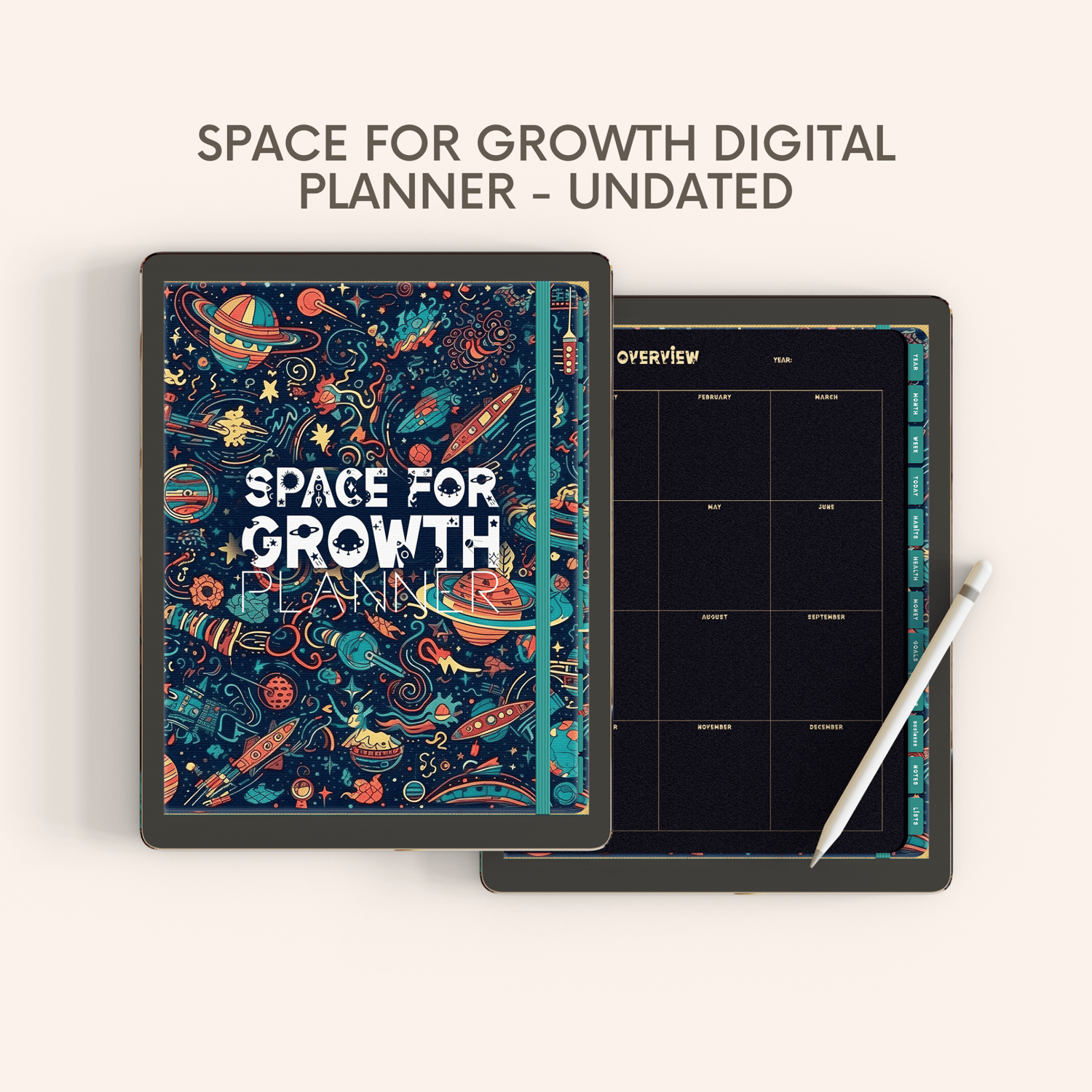

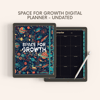

Space for Growth Digital Planner Undated for Goodnotes, Noteshelf, and Notability on iPad and Tablets with Bonus Stickers Packs
Introducing the Space for Growth Digital Planner - the perfect tool for those looking to plan and achieve their goals while exploring the vast universe of possibilities! Designed with a beautiful space and planets theme, this planner will take you on a journey of growth and self-discovery.
⭐️ KEY FEATURES
SPACE FOR GROWTH DIGITAL PLANNER
• Minimalist Pages Design for more space for creativity
• Exclusive Space Font Design
• Undated and reusable planner
• Gold & Dark Themed/Black Paper
• Colored Tabs
——————————
📝 Orientation: Portrait
——————————
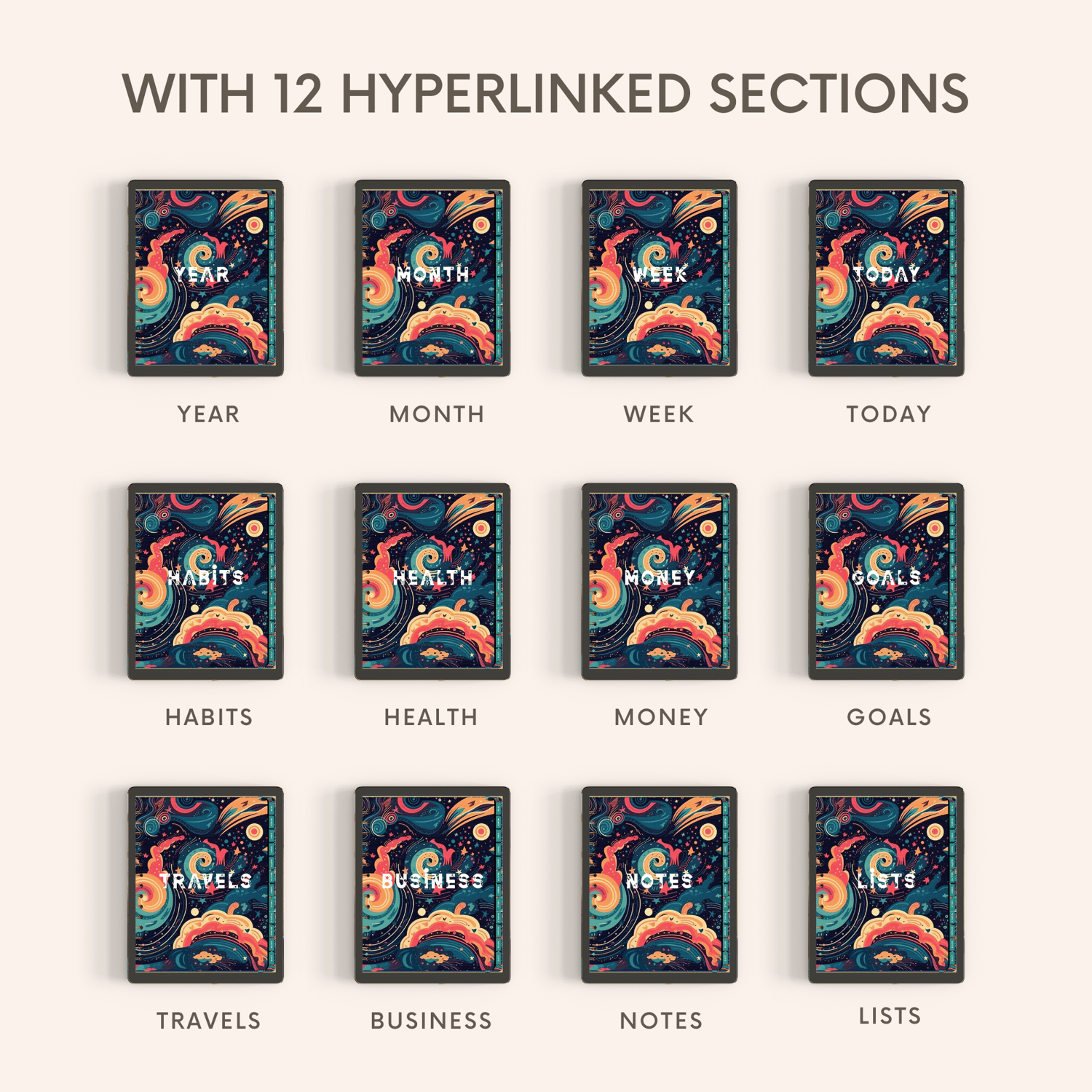
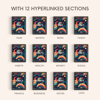
INCLUDES 12 SECTION
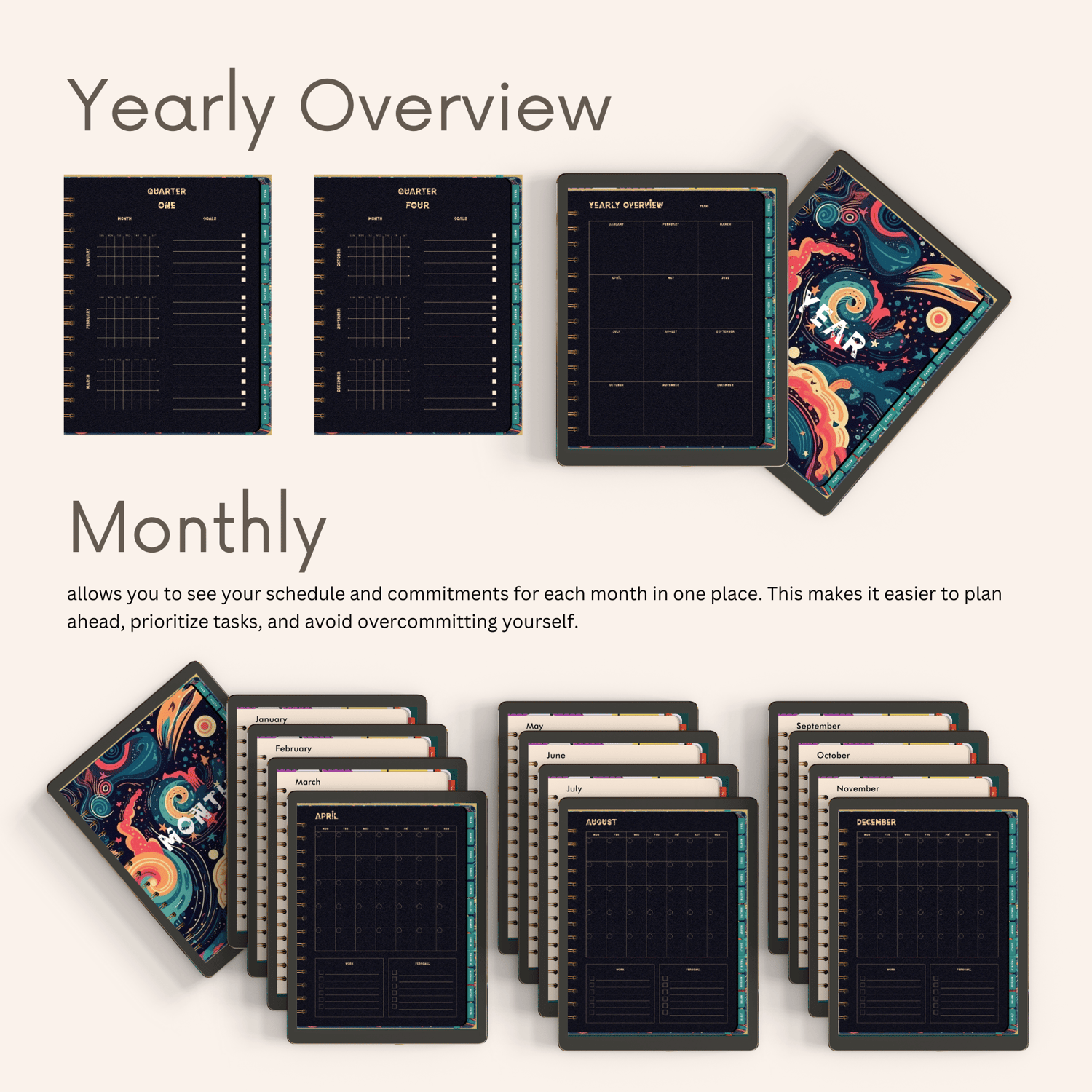
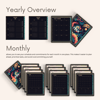
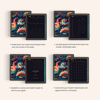
✏️ YEAR: • Yearly Overview page • Quarterly View Pages
✏️ MONTH: • 12 Month pages with Month Work List & Month Personal List
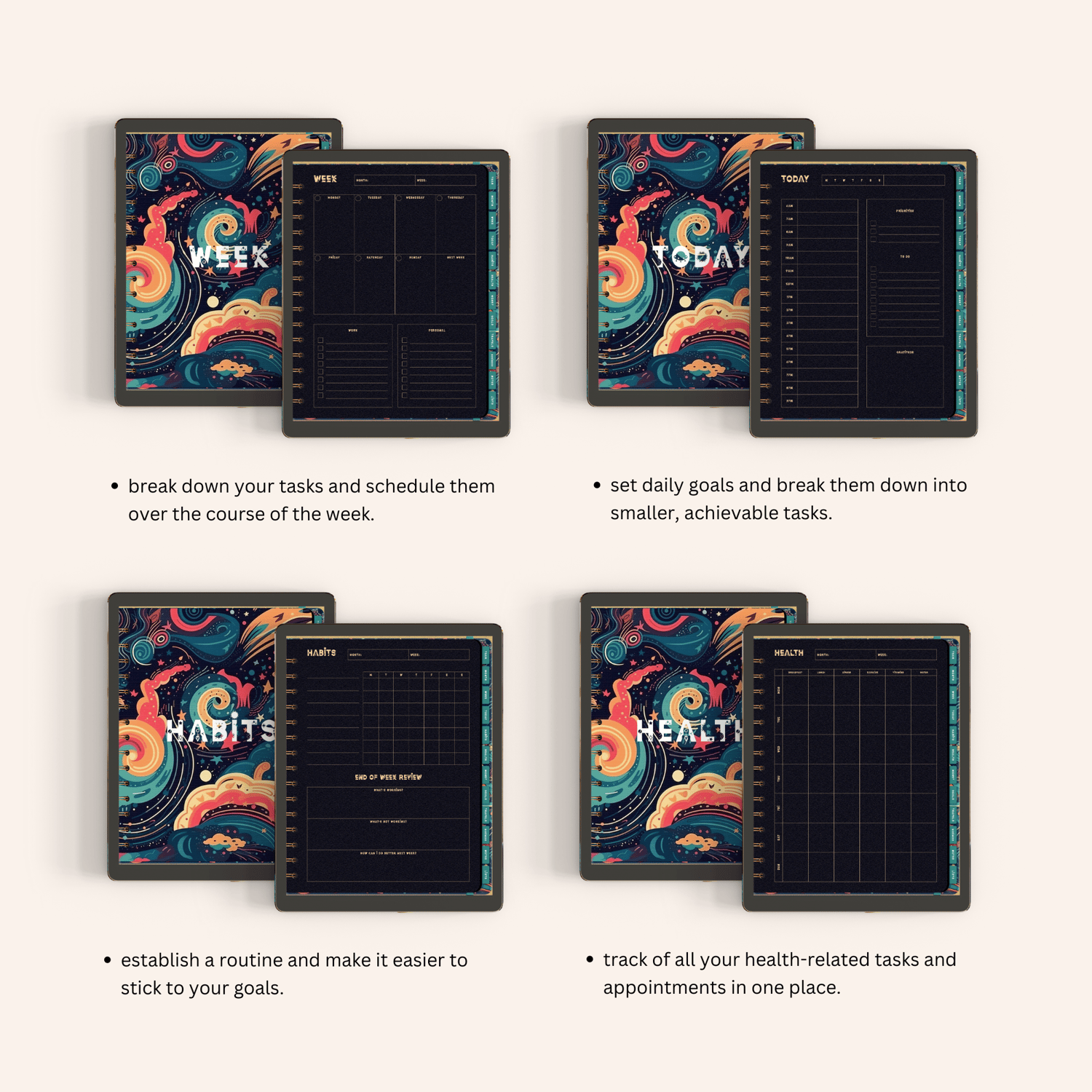
✏️ WEEK: • 7 days grid section • Week Work List • Work Personal List • Next Week section
✏️ TODAY: • Date Area • Hours Area • Priorities Area • To Do Area • Gratitude Area
✏️ HABITS: • Month and Week Area • 7 days Area • End of Week Review includes: What's working? - What's not working? - How Can I do Better next week?
✏️ HEALTH: • Month and Week Area • 7 days Area • Breakfast • Lunch • Dinner • Exercise • Vitamins • Water
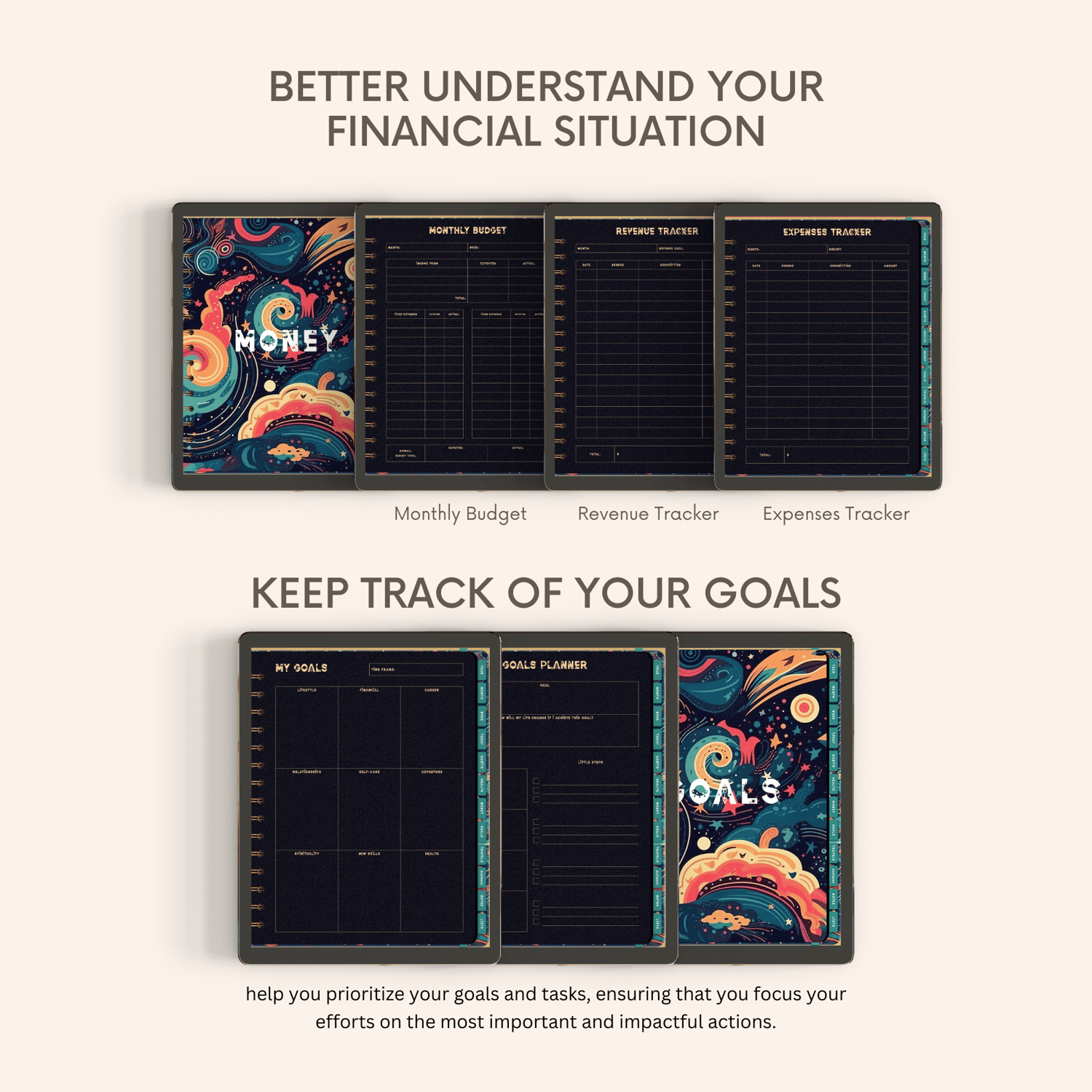
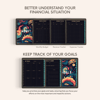
✏️ MONEY: • Month and Week Area • Monthly Budget Section • Revenue Tracker • Expenses Tracker
✏️ GOALS: • Goals Planner Section: Big Step - Little Step • My Goals: Lifestyle - Financial - Career - Relationships - Self-Care - Adventure - Spirituality - New Skills - Health
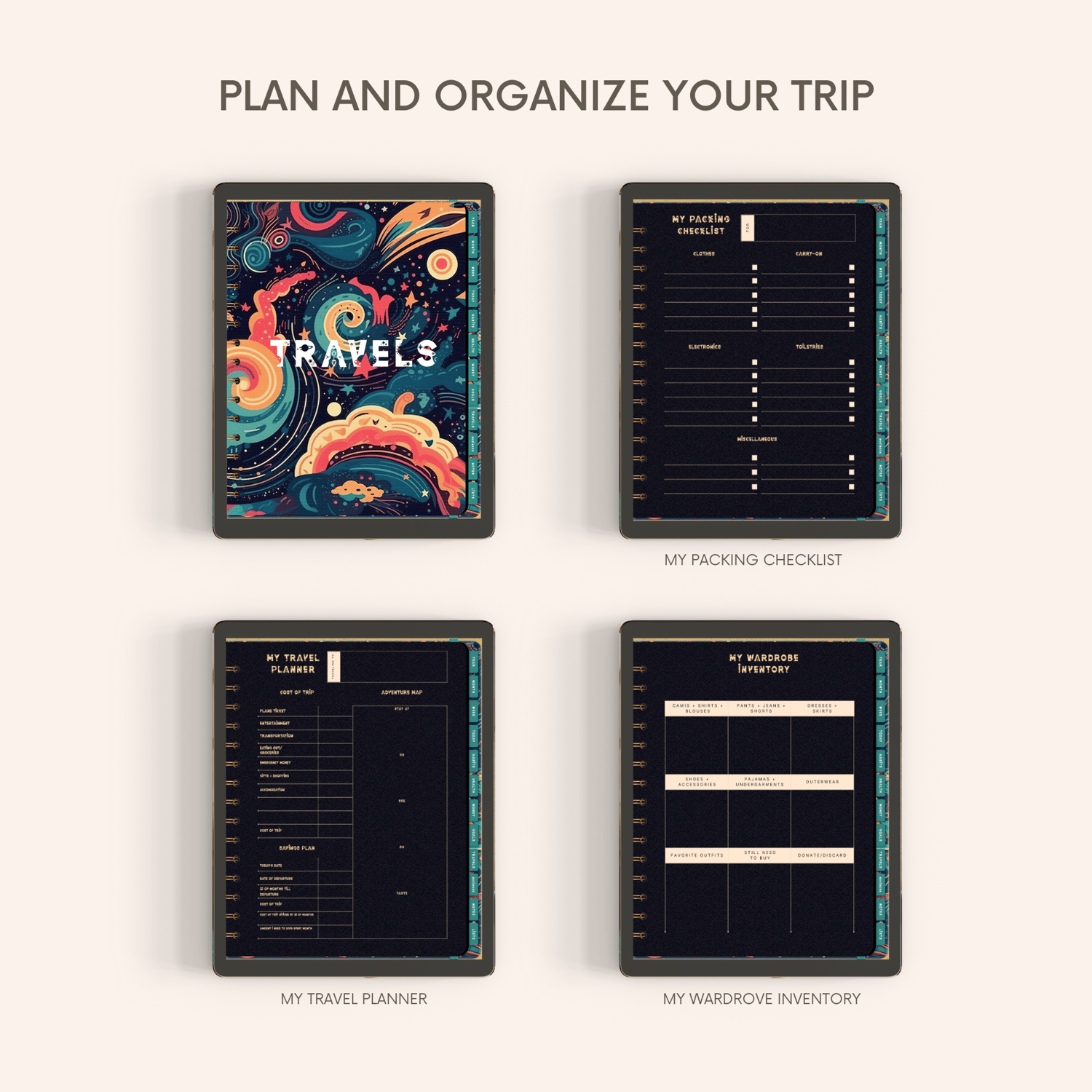
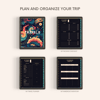
✏️ TRAVELS: • My packing list section with Clothes, carry-on, electronics, toiletries, and Miscellaneous • My travel planner section with Cost of trip, adventure map, and savings plan • My wardrobe Inventory with grid area for related clothes and accessories
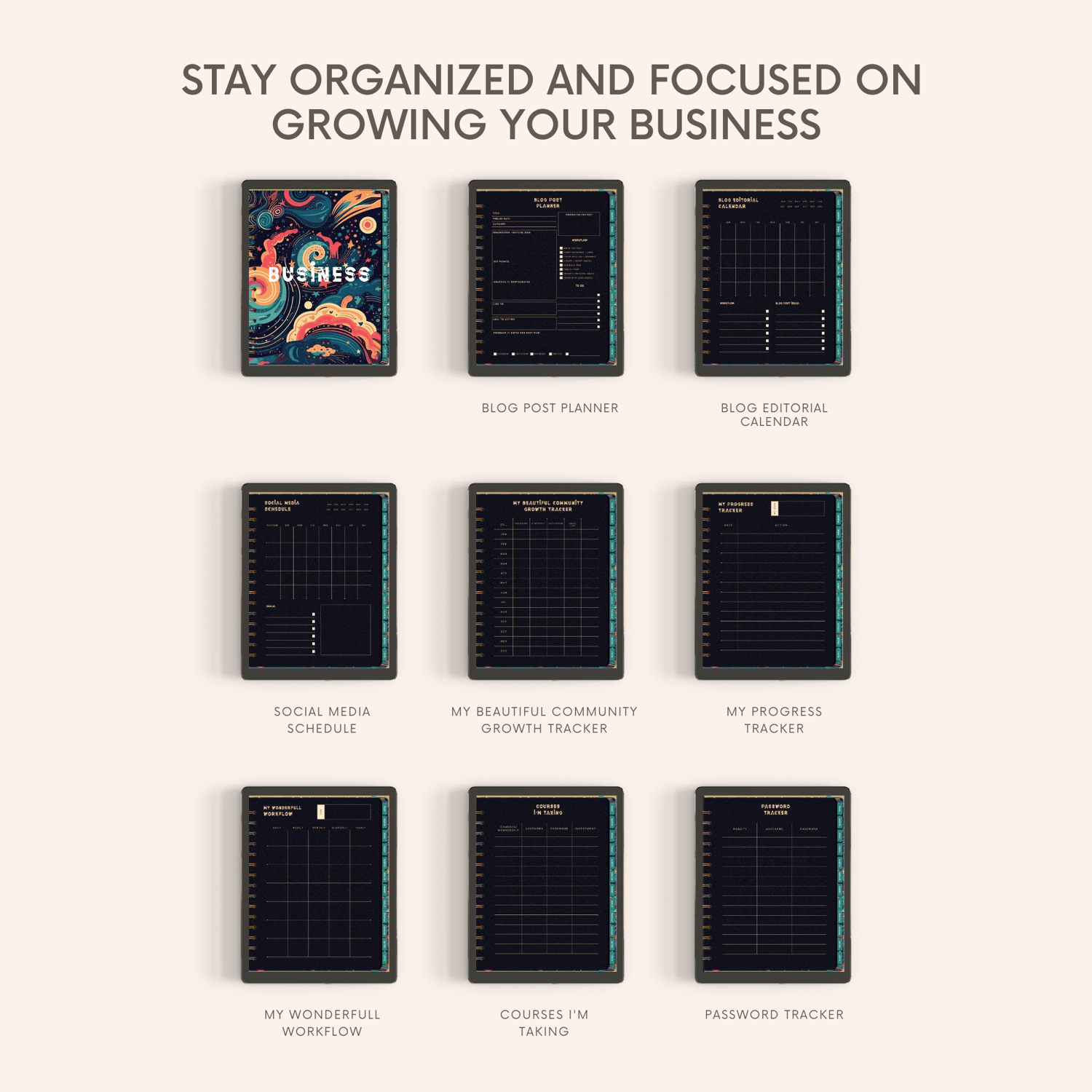
✏️ BUSINESS: • Blog post planner • Blog editorial calendar • Social media schedule • My beautiful community growth tracker • My Progress Tracker • My wonderful workflow • Courses I'm Taking • Password Tracker •
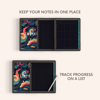
✏️ NOTES: • Line Paper •Grid Area Notes •
✏️ LISTS: • Check Box Lined Paper
——————————
STICKERS AND COVERS
• Cover Design + 10 section designs
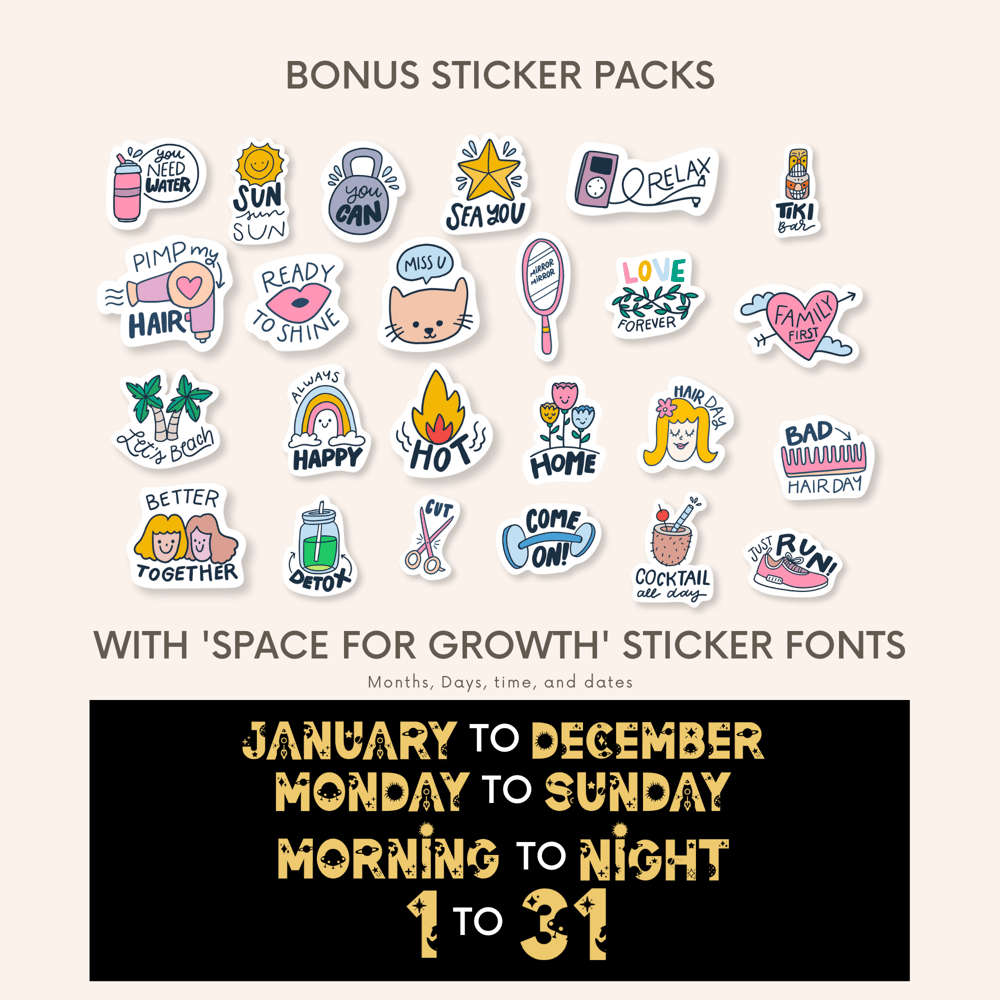
• ⭐️ Our "Space for Growth" Digital Planner comes with a BONUS STICKER
——————————
EASY NAVIGATION
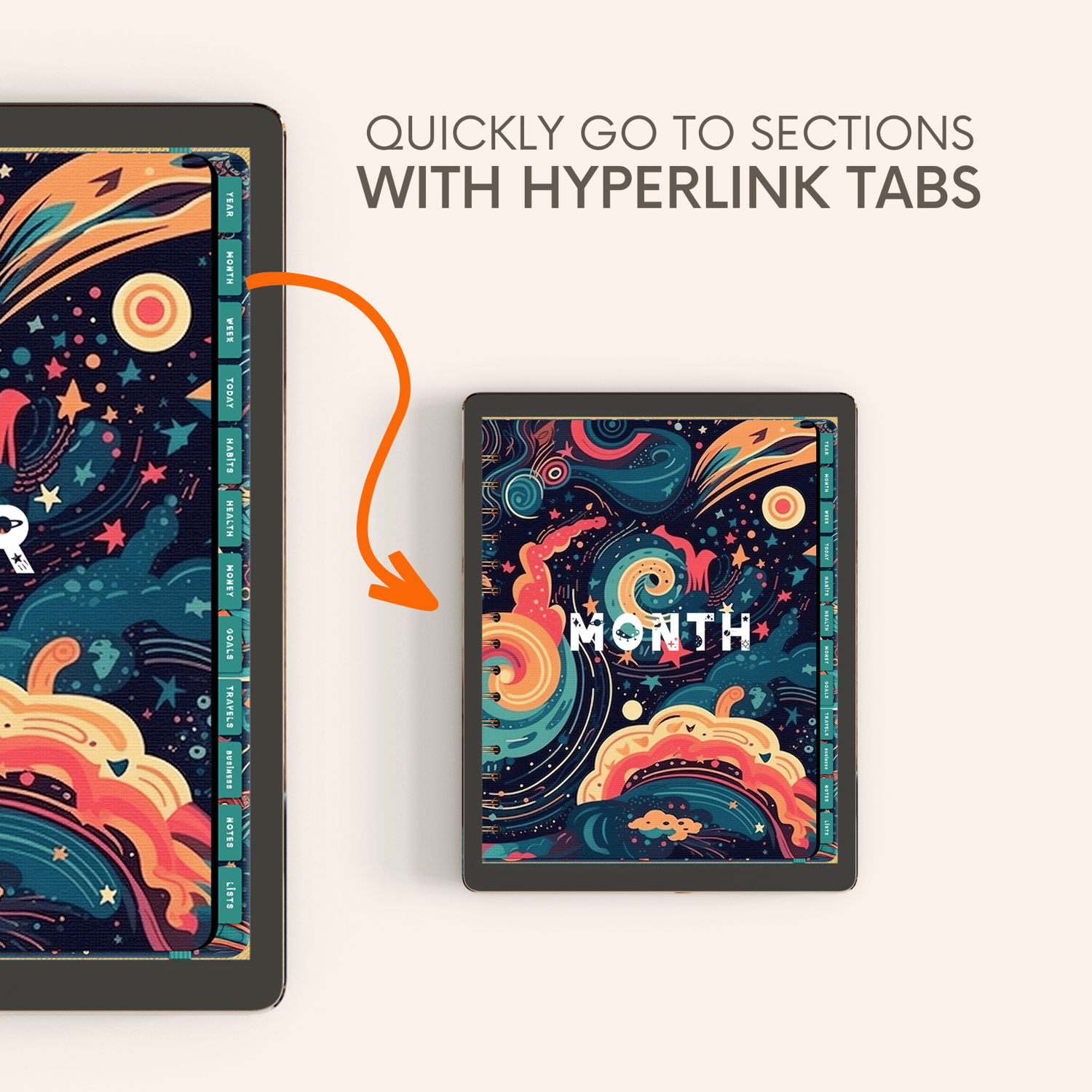
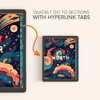
• Hyperlinked Tabs
• Quickly go to sections
——————————
📁 FILES INSIDE
• 1 x PDF File - Space for Growth Planner
• 1 x PDF File - Space for Growth Planner Instructions Guide
• 1 x ZIP File - Bonus Sticker Packs
——————————
WHY DIGITAL PLANNING?
• Duplicate any page as many times as you need
• Easy to undo mistakes & move things around
• Copy & paste to reuse digital stickers
• Paperless planning & eco-friendly
• Easy customization of templates
• Easy to add images & photos – no more printing
• Get creative using your tablet
——————————
⚠️ IMPORTANT
• The "Space for Growth" Digital Planner is an interactive PDF file optimized for use with a tablet and stylus, such as an iPad and Apple Pencil.
• To use the digital planner, you must install an app on your device, such as GoodNotes or NoteShelf (please note that these apps are not included with your purchase).
• Once you have imported the Digital Planner into GoodNotes, select the "read-only" button to access the clickable tabs and other interactive features.
Duplicating or Adding a new page to a digital planner can vary depending on your app. However, here are some general steps you can follow:
To Copy a Page:
1. Open the digital planner in your preferred app.
2. Navigate to the page you want to copy.
3. Look for a "Copy Page" or "Duplicate Page" option. This may be located in a menu, toolbar, or as a button.
4. Select the "Copy Page" or "Duplicate Page" option.
5. The copied page should now appear in your digital planner. You can customize it by adding or removing content as needed.
To Add a New Page:
1. Open the digital planner in your preferred app.
2. Navigate to the section where you want to add a new page.
3. Look for an "Add Page" or "Insert Page" option. This may be located in a menu, toolbar, or as a button.
4. Select the "Add Page" or "Insert Page" option and choose the type of page you want to add, such as a blank page, lined page, or grid page.
5. The new page should now appear in your digital planner. You can customize it by adding text, images, or other content.
——————————
COPYRIGHT & TERMS OF USE
These planners and stickers are protected by copyright and are intended for personal use only.


